Visible vs invisible watermarks: what each one really protects
By Abdessamad BettalPublished 4 min read
The short answer
A visible watermark is the only protection that survives screenshots, re-uploads and metadata stripping, and it gives credit at a glance. Metadata and Content Credentials prove authorship but are often stripped by social platforms. Invisible watermarks survive more editing but need special software to detect. For most creators, a visible mark plus clean metadata on the original is the practical combination.
On this page
"Watermark" covers four quite different technologies. They protect against different things, fail in different ways, and only one of them is visible to the person deciding whether to reuse your image.
The four kinds of mark
1. Visible watermarks
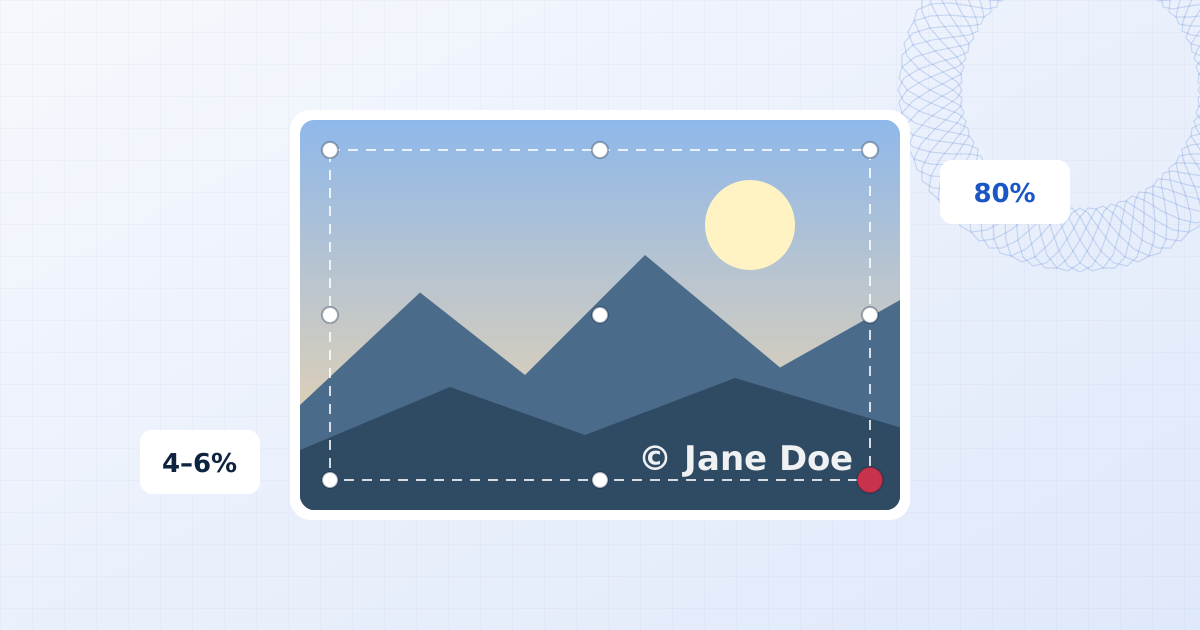
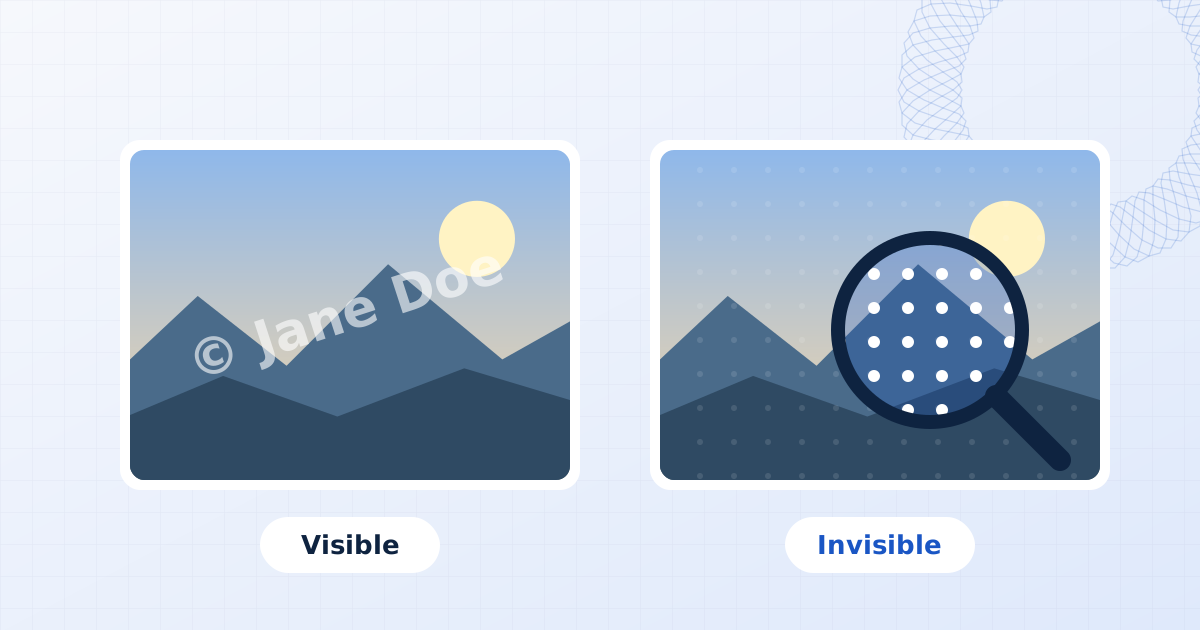
Text or a logo drawn into the pixels. It's what this site makes, and what most people mean by "watermark".
- Strength: everyone sees it. It credits you at a glance, survives screenshots and re-uploads, and makes an image less attractive to reuse without permission.
- Weakness: it changes how the image looks, and a small corner mark can be cropped or erased.
2. Metadata (EXIF, IPTC, XMP)
Text fields stored inside the image file: camera settings (EXIF), and creator, copyright and licence fields (IPTC and XMP). Lightroom and most camera apps can write your name and copyright notice into every file.
- Strength: invisible, standard, and readable by any photo software.
- Weakness: it's trivially lost. Most social platforms strip metadata when they re-encode uploads; a screenshot never carries it; any re-export can drop it.
3. Invisible (digital) watermarks
A signal hidden in the image data itself, too faint for people to see but readable by detection software. Commercial systems such as Digimarc have done this for decades, and AI image generators now embed similar marks: Google's SynthID, for example, marks images generated by Google's models.
- Strength: survives resizing, compression and moderate editing, and can't be removed by stripping metadata.
- Weakness: needs the matching detector to read it. It identifies a copy after the fact; it doesn't warn anyone in advance. Strong cropping, heavy filters or regenerating the image with AI can defeat it.
4. Content Credentials (C2PA)
A cryptographically signed record attached to the file: who made it, with what device or software, and what edits were made. It's an open standard from the Coalition for Content Provenance and Authenticity (C2PA), backed by Adobe, Microsoft, Google, camera makers and news organisations, and shown to users as "Content Credentials".
- Strength: tamper-evident provenance. If the signed record is present and valid, you can trust it.
- Weakness: like metadata, it's attached to the file and can be stripped. Its purpose is proving origin, not preventing copying. Some implementations pair it with an invisible watermark so a stripped credential can be looked up again.
What survives what
| Visible mark | Metadata | Invisible watermark | Content Credentials | |
|---|---|---|---|---|
| Seen by everyone | Yes | No | No | Only in supporting apps |
| Survives a screenshot | Yes | No | Often | No |
| Survives a social upload | Yes | No, usually stripped | Usually | Depends on the platform |
| Survives resizing and recompression | Yes | Often lost on re-export | Usually | Depends on the software |
| Survives cropping | Tiled: yes. Corner: no | Yes (if the file is kept) | Moderate crops | No, invalidated or lost |
| Needs special software to read | No | No | Yes | Yes (a C2PA viewer) |
| Changes how the image looks | Yes | No | Imperceptibly | No |
✓ yes · ~ partly or it depends · ✕ no
The pattern is clear. Things attached to the file are lost when the file is re-made, and on the web, files are re-made constantly. Things in the pixels survive, and only the visible kind does anything before the copying happens.
What each one is good for
| You want to… | Use |
|---|---|
| Get credit when your image is shared | Visible mark, small, in a corner |
| Stop proofs being used as finals | Visible mark, tiled across the frame |
| Prove a file is your original in a dispute | Metadata and the original files with their capture data |
| Find copies of your images across the web | Reverse image search; an invisible watermark service for scale |
| Show buyers or newsrooms how an image was made | Content Credentials |
| Track which recipient leaked a document | Visible stamp with the recipient's name (guide) |
Most independent creators need only the first three rows. They're free and need no special software.
A practical setup for photographers and creators
- Write your name and copyright into the metadata of your originals. Lightroom, Capture One and most camera apps have a copyright field; fill it once in a preset.
- Keep your originals, at full resolution, with their capture metadata. In a dispute, the person with the original, larger file is very often the person who took it.
- Publish a smaller copy with a visible watermark. A 2048-pixel export is plenty for screens and much less useful for print. Batch it so it's no extra work.
- Use a tiled mark for anything sent before payment: proofs, previews, drafts.
- Search for your images now and then, with Google Lens or TinEye.
A note about this tool and metadata
When you export from the photo watermark tool, images are re-encoded from their pixels, so EXIF, IPTC and XMP metadata is not carried over. That's deliberate: it removes GPS coordinates and camera serial numbers before you publish. If you rely on embedded copyright fields, add them to your published copies afterwards in your photo manager, or keep them on the originals, which is where they matter most.
Frequently asked questions
What is an invisible watermark?
A pattern hidden in the pixel or frequency data of an image that people can't see but detection software can read. Good ones survive resizing, compression and moderate cropping. They need the matching detector to be read, so they identify a copy after the fact rather than warning people in advance.
Do social media sites remove watermarks?
They don't remove visible watermarks, because those are part of the pixels. Most platforms do strip embedded metadata such as EXIF, IPTC and XMP when they re-encode uploads, which removes copyright fields stored there.
What are Content Credentials?
Content Credentials are the consumer name for the C2PA standard: a cryptographically signed record of who made a file and how it was edited, attached to the file. They are designed to show provenance, not to prevent copying, and they can be lost if a platform strips metadata.
Which watermark is hardest to remove?
A robust invisible watermark is hardest to remove without visibly degrading the image, but most people never know it is there. Among visible marks, a faint tiled pattern across the whole image is much harder to remove cleanly than a corner logo.
Add a watermark to photos
Add a text or logo watermark to one photo or hundreds at once. Drag to position, set opacity and rotation, then export JPG, PNG or WebP. Nothing is uploaded.
Add a visible watermark