Add your logo to a video
Brand a clip with your logo or handle before you post it. Position it over the playing video, then export with the audio intact.
Drop a video here
MP4, MOV, WebM or MKV. The video is decoded and re-encoded by your own device, so even long clips never leave it.
How to add your logo to a video
- 1
Open your video
Drop an MP4, MOV, WebM or MKV file.
- 2
Add the logo
Choose "Add logo" for an image, or edit the text layer to show your handle.
- 3
Export
Pick the format and quality, and download the branded clip.
Where a logo belongs in the frame
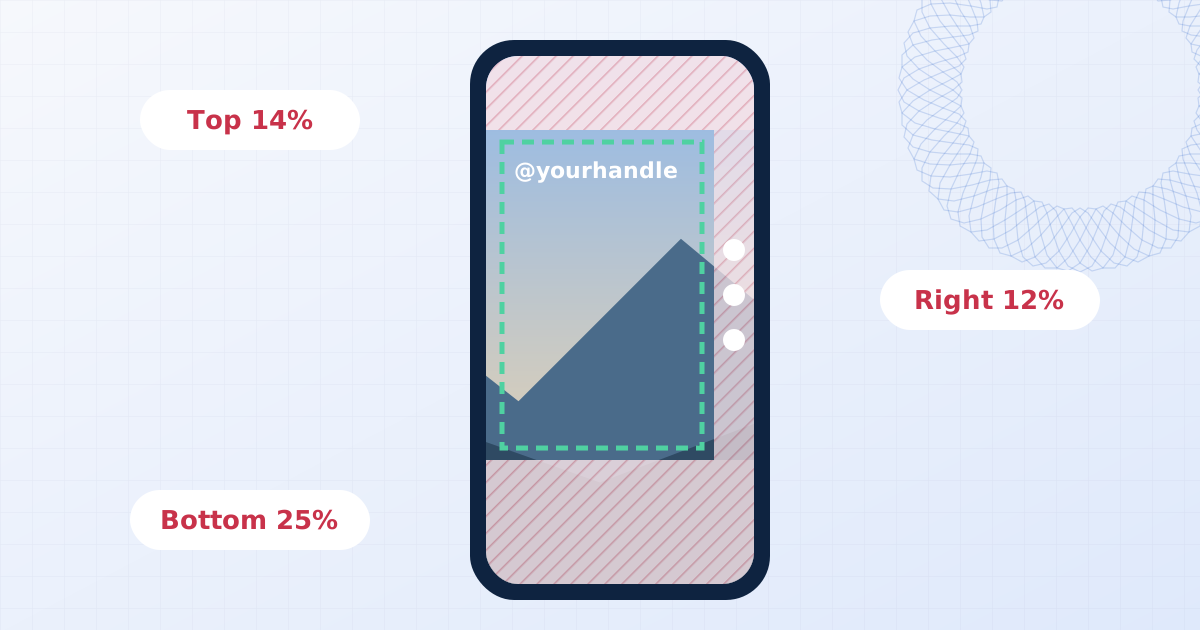
Social apps cover parts of a vertical video with their own interface: captions and buttons along the bottom and right edge, and the account name at the top left. The upper right and the middle of the left edge are usually clear. Scrub through the preview to check the logo never lands on a face or on burned-in subtitles.
Around 60 to 80 percent opacity keeps a logo visible without drawing the eye away from the content.
Why do this before uploading to a platform
A logo that is part of the picture travels with the video when it is downloaded, re-posted or clipped. Platform-level branding does not. Adding it yourself also keeps your original, unbranded file private, because this tool never uploads it.
Questions people ask
Can I use a transparent PNG logo?
Yes. Transparency is preserved, so only the logo itself appears over the video.
Is the audio kept?
Yes, the audio track is carried over to the exported file.
Can the logo appear for only part of the video?
Not yet. The logo is shown for the full length of the clip.
Is my video uploaded?
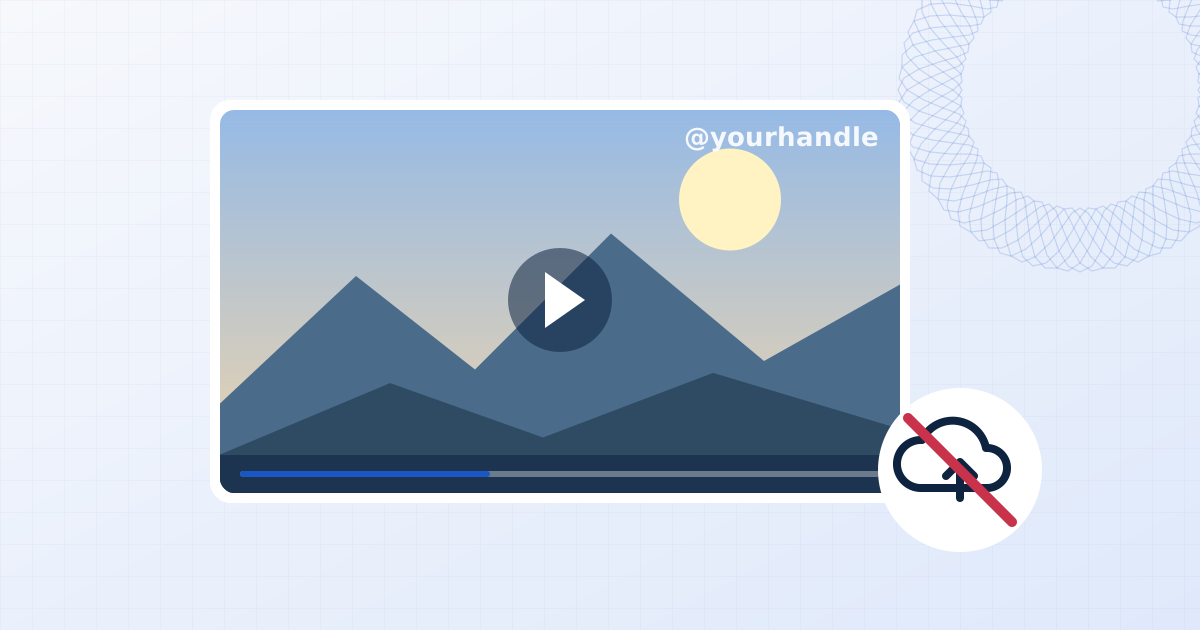
No. The file is opened, edited and saved by your own browser. Nothing is sent to a server, which you can confirm in your browser's network tab while you work.
Learn more
Related tools
- Add a watermark to a videoPut a text or logo watermark on MP4, MOV, WebM or MKV video in your browser. Live preview, audio kept, export as MP4 or WebM. Your video never leaves your device.
- Remove a logo from a videoHide a static logo, channel bug or timestamp in a video. Box it in, preview the result on the playing clip, and export MP4 or WebM. No upload, audio kept.
- Add your logo to photosPlace your logo on one photo or a whole batch. Keeps PNG transparency, with size, opacity, rotation and blend controls. Runs in your browser with no upload.