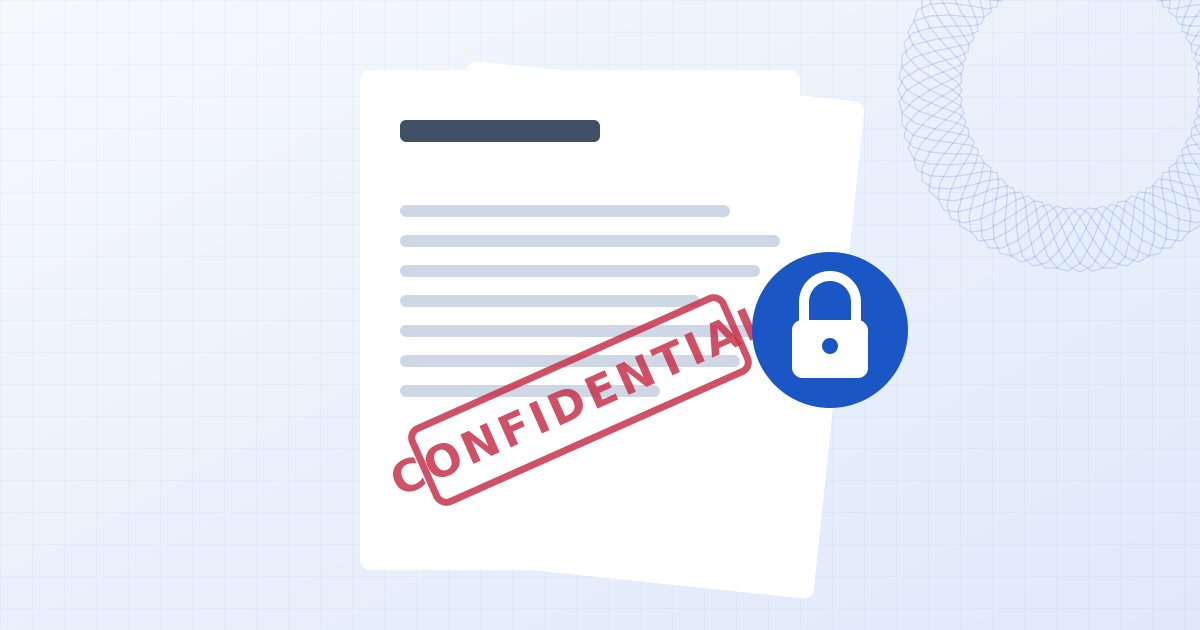
Add a CONFIDENTIAL watermark to a PDF
Mark sensitive documents before they are shared. The stamp is applied on your device, which matters when the whole point is that the document is confidential.
Drop PDFs here
Add one document or a whole folder of them. Pages are rendered and stamped on your device, so contracts and drafts stay private.
How to add a CONFIDENTIAL watermark to a PDF
- 1
Add the PDF
Drop the document, or several. The CONFIDENTIAL stamp is already set up.
- 2
Adjust if needed
Change the wording, colour, angle or opacity, or add the recipient's name as a second line.
- 3
Download
Save the stamped PDF. Turn on flattening first if the stamp must not be removable.
A confidential document shouldn't be uploaded to be stamped
Most online PDF tools send your file to their servers, process it there and send it back. For an NDA, a term sheet, payroll data or medical records, that is an extra copy in a place you don't control. This page loads the PDF from your disk into your browser's memory, stamps it there and saves it back. No copy is made anywhere else.
Making the stamp traceable
A generic CONFIDENTIAL mark warns the reader. A mark that names the recipient deters leaks: edit the text to read "CONFIDENTIAL" on one line and "Prepared for Acme Ltd" on the next, and each copy you send out is identifiable.
Switch on "Flatten pages to images" when the stamp has to survive a determined recipient. The watermark becomes part of each page image and can't be selected and deleted in a PDF editor.
Questions people ask
Is my confidential PDF uploaded?
No. The file is opened, edited and saved by your own browser. Nothing is sent to a server, which you can confirm in your browser's network tab while you work.
Can I change the word CONFIDENTIAL?
Yes. Edit the text to anything you need, such as PRIVILEGED, INTERNAL ONLY or TOP SECRET, and add more lines with the Enter key.
Can someone remove the stamp?
With the default overlay, a person with a PDF editor can. Flattening burns the stamp into each page, which is far more resistant.
Does the stamp cover the text underneath?
It is semi-transparent by default, so the document stays readable. Lower the opacity further if the stamp distracts.
Learn more
Related tools
- Add a watermark to a PDFStamp CONFIDENTIAL, DRAFT, your name or a logo across PDF pages. Choose pages, batch several files, and optionally flatten so the watermark can't be removed.
- Add a DRAFT watermark to a PDFStamp DRAFT across the pages of a PDF so no one mistakes it for the final version. Choose pages, batch several files, and download. Runs in your browser.
- Add a watermark to photosAdd a text or logo watermark to one photo or hundreds at once. Drag to position, set opacity and rotation, then export JPG, PNG or WebP. Nothing is uploaded.