Remove a watermark from a photo
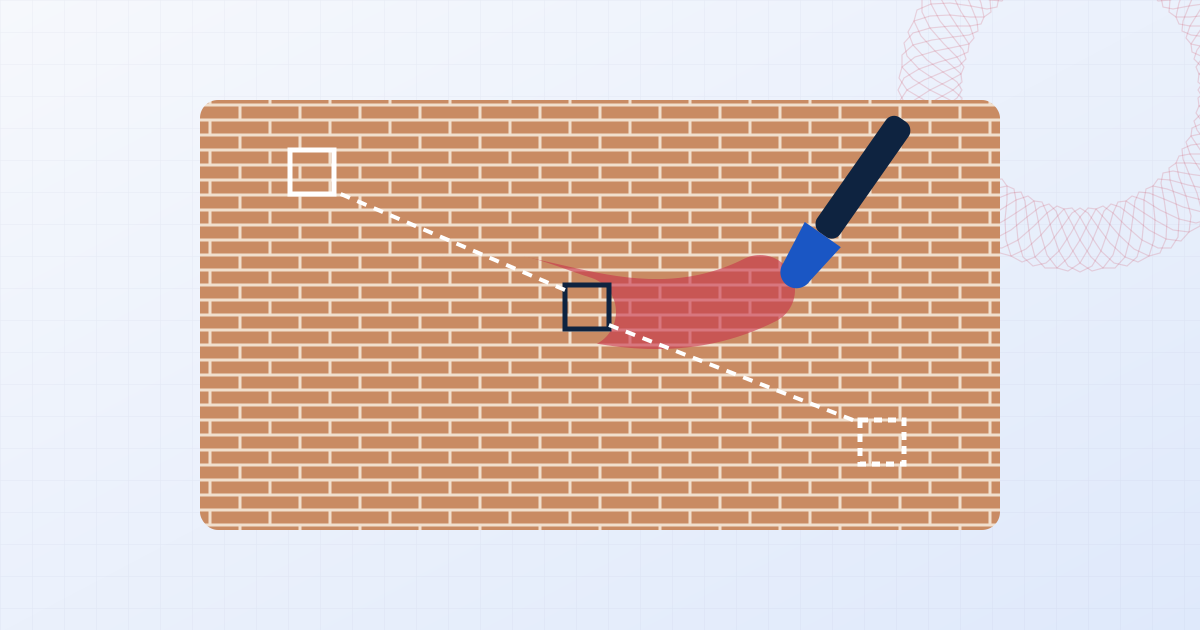
Paint over the mark and it is replaced with texture borrowed from the rest of the picture. It works at full resolution and never sends your photo anywhere.
Drop a photo here
Brush over a watermark, logo, date stamp or stray object and it's filled in from the surrounding image, on your device.
How to remove a watermark from a photo
- 1
Open the photo
Drop the image, or paste it from the clipboard.
- 2
Brush over the mark
Set a brush a little wider than the lettering and paint over it. Cover the edges fully.
- 3
Erase and download
Press Erase selection, compare with the original, and download when it looks right.
Getting a clean result
Work in pieces. Erasing one word or one logo at a time gives the fill more untouched picture to borrow from than a single stroke across the whole image. If a patch looks smudged, press Undo, paint a slightly different shape and try again; a second pass over a small leftover often finishes the job.
Marks over even surfaces such as sky, walls, roads and water disappear cleanly. Marks crossing a sharp edge, like a horizon or the side of a building, are harder: erase the part on each side of the edge separately.
When to use it
Good uses include removing a preview mark from a photo you have since bought or been given the rights to, cleaning a date stamp or app logo off your own pictures, and tidying your own exported work when the unmarked original is lost.
It is not for taking the watermark off someone else's image so you can use it without paying. That is copyright infringement, and a watermark removed this way is often still detectable.
Questions people ask
Is the photo uploaded?
No. The file is opened, edited and saved by your own browser. Nothing is sent to a server, which you can confirm in your browser's network tab while you work.
Does it reduce the photo's resolution?
No. The download has the same pixel dimensions as the original. Only the area you brushed is changed.
Why does the erased area look blurry?
Large selections are filled at reduced detail and blended back, and complex detail can't be reconstructed exactly. Smaller, tighter strokes produce sharper fills.
Can I undo a mistake?
Yes. Undo steps back through your last twelve erases, and Start over restores the original.
Learn more

Related tools
- Remove a watermarkBrush over a watermark, logo or date stamp and it is filled in from the surrounding image. Works on photos and on static logos in video, privately in your browser.
- Remove the date stamp from a photoErase the orange date and time stamp that old cameras print on photos. Brush over it and download the clean picture at full resolution. Private, no upload.
- Remove a logo from a videoHide a static logo, channel bug or timestamp in a video. Box it in, preview the result on the playing clip, and export MP4 or WebM. No upload, audio kept.
- Add a watermark to photosAdd a text or logo watermark to one photo or hundreds at once. Drag to position, set opacity and rotation, then export JPG, PNG or WebP. Nothing is uploaded.