Batch watermark photos
Add a whole shoot, set the watermark once, and export everything together. There's no ten-image cap and no queue, because the work happens on your computer rather than a shared server.
Drop photos here
JPG, PNG, WebP, GIF, AVIF or SVG. Add one or a few hundred; there's no batch limit and nothing is uploaded.
How to batch watermark photos
- 1
Add the whole set
Select every file in a folder or drag the folder's contents onto the page. Thumbnails appear as each photo is read.
- 2
Set the mark once
Position it on any photo. Click through the thumbnails to check it against portrait, landscape and cropped shots.
- 3
Export together
Download one ZIP, or in Chrome and Edge write the files directly into a folder you choose.
Why batches don't need a limit here
Server-based tools pay for every image you process, so free plans tend to cap batches or queue them. Here each photo is decoded, stamped and encoded by your own browser, one after another, and released from memory before the next begins. Batch size is bounded by your patience, not a plan.
For very large sets, "Save to folder" avoids building a multi-gigabyte ZIP in memory by writing each finished photo straight to disk.
Consistent on mixed sizes and orientations
Because size and margin are measured against each photo's shorter side, a watermark that is 5% tall on a 24-megapixel landscape frame is also 5% tall on a 2,000-pixel portrait crop. Corner marks stay the same distance from their corner.
Photos that need an exception can be adjusted individually without affecting the rest. A red dot on the thumbnail shows which ones have their own settings.
Questions people ask
Is there a limit on the number of photos?
No fixed limit. Photos are processed one at a time, so memory use stays flat. Batches of several hundred photos are routine.
Can I rename the files?
Each file keeps its name with a suffix you choose, "-watermarked" by default. Clear the suffix field to keep the original names.
Can I resize while watermarking?
Yes. Choose a maximum long edge, such as 1920 px, and every photo larger than that is scaled down before the watermark is drawn, so the mark stays sharp.
Are my photos uploaded?
No. The file is opened, edited and saved by your own browser. Nothing is sent to a server, which you can confirm in your browser's network tab while you work.
Learn more

Related tools
- Add a watermark to photosAdd a text or logo watermark to one photo or hundreds at once. Drag to position, set opacity and rotation, then export JPG, PNG or WebP. Nothing is uploaded.
- Add your logo to photosPlace your logo on one photo or a whole batch. Keeps PNG transparency, with size, opacity, rotation and blend controls. Runs in your browser with no upload.
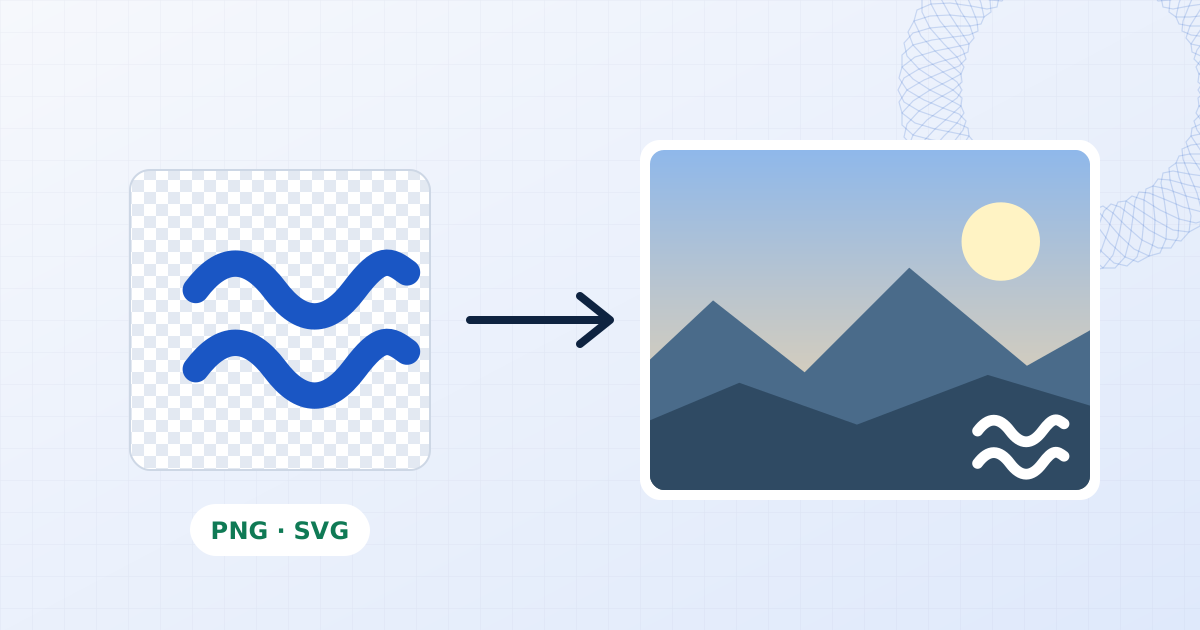
- Watermark proofs and portfolio imagesWatermark a client gallery with PROOF across every frame, or sign finished work with your studio mark. Batch hundreds of photos locally with no upload.
- Add a copyright watermarkAdd a © copyright notice with your name and year to photos in bulk. Choose the font, size and placement, then export at full resolution. Free, no upload.