Add a signature watermark
Sign your work the way a painter signs a canvas. Type your name in a script face, or add a scan of your real signature, and place it on every photo.
Drop photos here
JPG, PNG, WebP, GIF, AVIF or SVG. Add one or a few hundred; there's no batch limit and nothing is uploaded.
How to add a signature watermark
- 1
Add your photos
Drop the images you want to sign.
- 2
Set your signature
Type your name, or choose "Add logo" to use a PNG of your handwritten signature.
- 3
Place and export
Bottom-right is traditional. Adjust size and opacity, then download.
Using your real signature
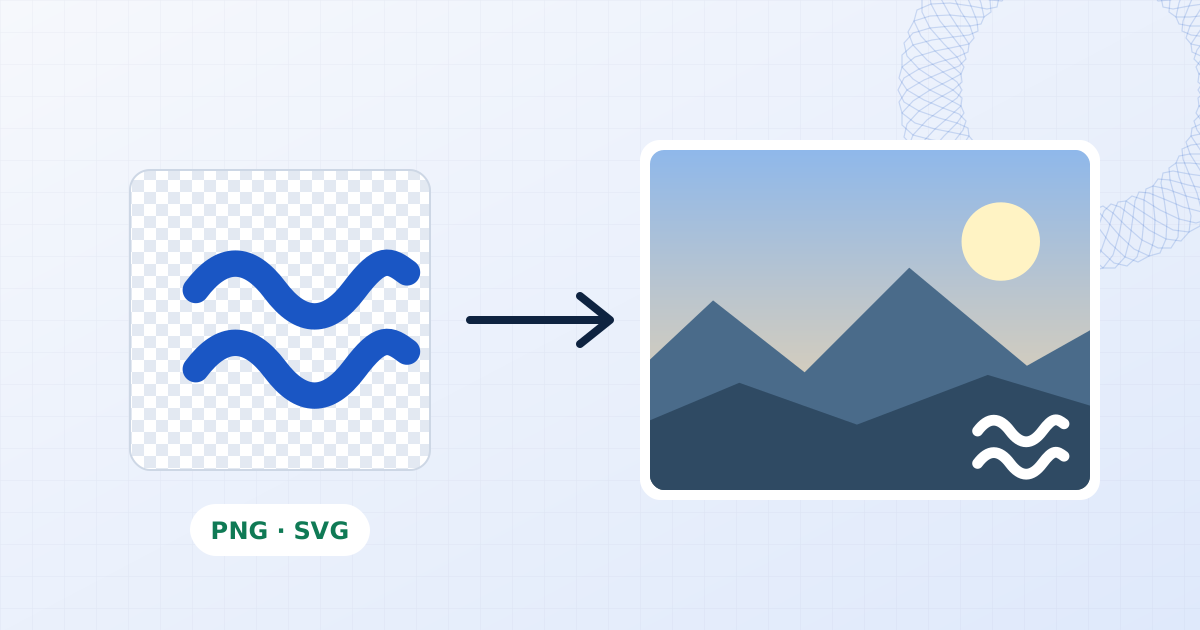
Sign a sheet of white paper with a dark pen, photograph or scan it, and remove the background in any image editor so you have a transparent PNG. Added as a logo layer, it can be resized and tinted by opacity like any other mark.
If you'd rather type it, the Great Vibes and Caveat faces included here read as handwriting, and you can upload any other script font you have a licence for.
Keeping it subtle
A signature works best small: around 8 to 12 percent of the image's shorter side, in white with a soft shadow on dark images or in a dark tone on light ones. The Shadow control keeps a white signature legible over mixed backgrounds without needing a box behind it.
Questions people ask
Can I use my own handwriting?
Yes. Save your signature as a PNG with a transparent background and add it with "Add logo".
Can I use my own script font?
Yes. Use Upload next to the font list and choose a .ttf, .otf, .woff or .woff2 file. It is used in this browser session and isn't sent anywhere.
Can I sign many photos at once?
Yes. The signature is applied to every photo you add, at the same relative size and position.
Are my photos uploaded?
No. The file is opened, edited and saved by your own browser. Nothing is sent to a server, which you can confirm in your browser's network tab while you work.
Learn more


Related tools
- Add a watermark to photosAdd a text or logo watermark to one photo or hundreds at once. Drag to position, set opacity and rotation, then export JPG, PNG or WebP. Nothing is uploaded.
- Add a copyright watermarkAdd a © copyright notice with your name and year to photos in bulk. Choose the font, size and placement, then export at full resolution. Free, no upload.
- Watermark proofs and portfolio imagesWatermark a client gallery with PROOF across every frame, or sign finished work with your studio mark. Batch hundreds of photos locally with no upload.
- Add your logo to photosPlace your logo on one photo or a whole batch. Keeps PNG transparency, with size, opacity, rotation and blend controls. Runs in your browser with no upload.